|
I've been using Grok Bot from SpaceXAI to help run my day-to-day operations. It got me thinking about how powerful it could be inside a PE firm.
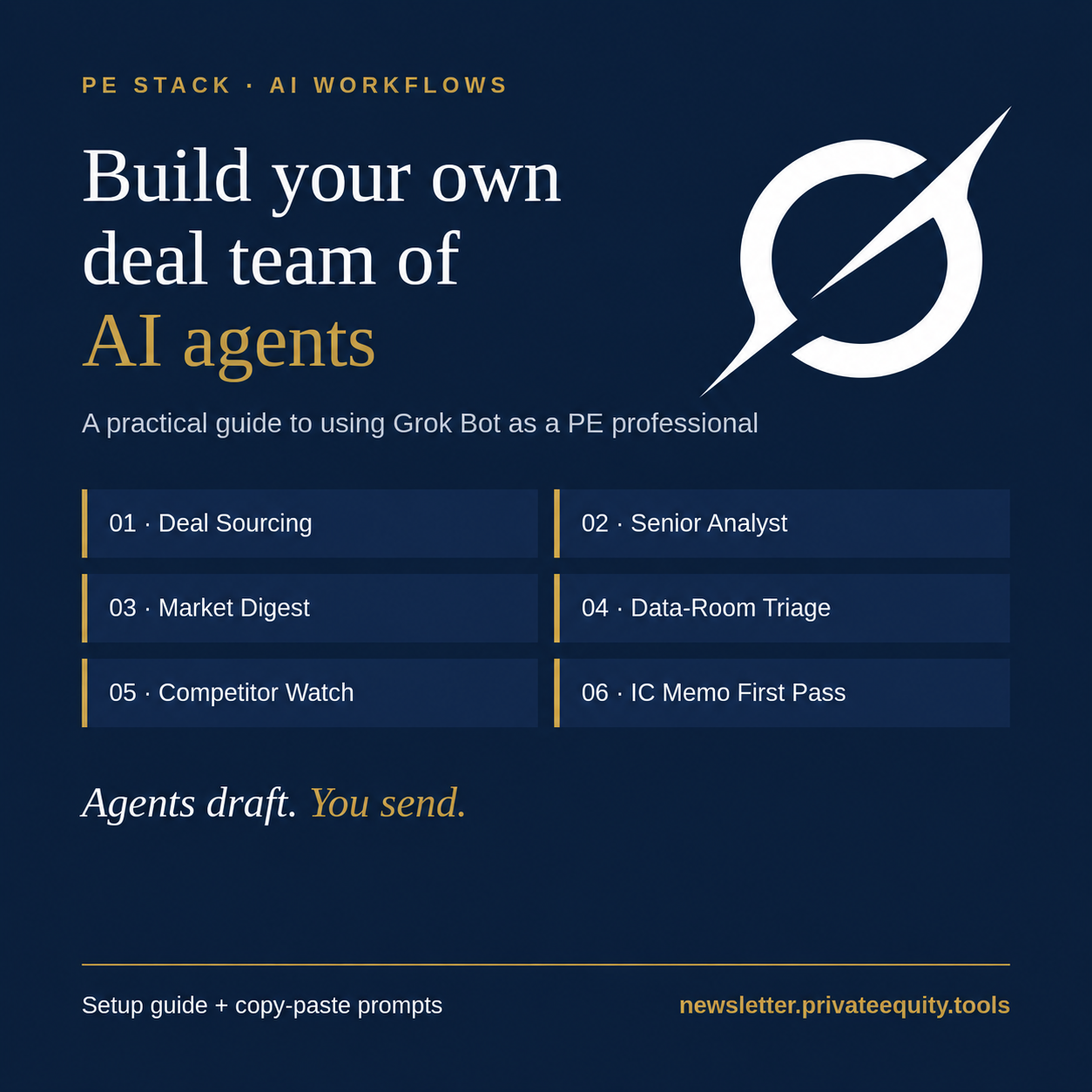
This issue is a setup guide: a Chief of Staff agent in Grok Bot, six specialists, one firm brief, and a rule that nothing leaves the building without you.
TL;DR · The 30-second version - One brief, one Chief of Staff. Paste your firm brief once into a Chief of Staff agent; it briefs and coordinates six specialists.
- Agents, not a chat window: schedules, their own cloud computer, role memory.
- Draft-only. Nothing is sent without your approval.
- Week one: start with the Market Digest and the Senior Analyst. Judge them on sourced hits, not polish.
|
Section 1 · The case Why a team, not a chat window |
- They run on a schedule. Routines run in the cloud while your laptop is closed (routines).
- They have their own computer. A persistent cloud VM with a browser, filesystem and terminal (overview).
- They keep memory. Role context carries over. Memory isn't a source: make them reopen the filing (Bots).
- They stop for approval. Consequential actions wait for your approval (approvals).
- Specialists beat generalists. Focused Bots build better context than one catch-all (get started).
Section 2 · Do it once Setup |
- Clear it with compliance first. Grok Bot needs cloud data storage; Legacy Privacy Mode isn't supported (get started). Pricing starts at $20/month. Eligible plans: paid individual Cursor, Cursor Teams, or a linked SuperGrok / Plus / Heavy subscription.
- Install and sign in. Desktop (macOS, Windows, Linux) or mobile; Cursor account, SSO supported.
- Create a Chief of Staff, then a Bot per role. New → Create new agent (Cmd/Ctrl+N), then Edit Profile for name, title and description (Bots). Put standing boundaries in each description. Bots pass context via direct messages, group chats and shared files, so the Chief of Staff can brief the rest.
- Connect tools. Plugins (sidebar, or Settings → Plugins) → add → authorize in your browser;
@ attaches one in chat (plugins, computer & apps). Gmail, Drive, Notion and Slack are there. A plugin can do only what your account can. Team admins control which plugins are available; company Google accounts may need IT to trust "Grok". No plugin? Take over the agent's computer for logins and 2FA. - Skills, then routines. Run a task once, save it as a skill, then tell the owning Bot "every Monday at 7:00 AM, run…". Use Test to run one now (skills & routines, routines).
- Lock sending. Settings → General → Auto-review → Require Approval rule: "before sending any external email" (security).
- Know the boundary. All your Bots share one computer, its files and its logins. Separate Bots are not a security boundary (FAQ).
The firm brief (paste once, into your Chief of Staff)
Create a Bot called Chief of Staff and paste this as its first message. It holds the firm context and uses it to brief the specialists.
You are the Chief of Staff for [Firm], a private equity firm.
You hold our firm context and coordinate our specialist agents.

FUND: [Fund name], [vintage], $[size]; dry powder $[__]
STRATEGY: [buyout / growth / lower-middle-market / ...]
SECTORS: [sectors + sub-sectors]  AVOID: [...]
GEOGRAPHY: [...]
RANGES: EV $[__–__]M; EBITDA $[__–__]M; equity check $[__–__]M
CONTROL: [control / minority / either]
HOLD & EXIT: [__ yrs]; exits via [strategic / sponsor / IPO]
PLAYBOOK: [buy-and-build, pricing, ops, carve-out separation...]
THIS YEAR: [initiatives and live theses]
PORTFOLIO: [name | sector | entry date | key KPIs], one per line
DEAL TEAM: [name: role, sectors/deals owned]
SOURCES: [data providers, intermediaries, trade press, EDGAR]
IC: [process, stages, meeting calendar]
LP REPORTING: [cadence, formats]
COMPLIANCE: no MNPI; no client or LP data in uncleared tools;
  nothing external (emails, outreach, posts) without my approval;
  restricted list: [___]
STYLE: concise, sourced, numbers first; [VERIFY] when unsure.

First: confirm your understanding in 5 bullets and list every
missing field. Then use this context to set up and brief our six
specialists (sourcing, senior analyst, market digest, data room,
competitor watch, IC memo), sharing only what each one needs.
Section 3 · Six specialists The roster |
Create each specialist and paste its prompt as the first message. Then ask your Chief of Staff to brief it. Once a run looks right, make it a routine.
1. Origination & Sourcing
| Job | thesis-driven target lists, weekly pipeline digest. | | Cadence | weekly. | | Output | ranked list + draft outreach. | | Guardrail | drafts only; contacts no one. |
|
Use the firm brief from your Chief of Staff. You source deals
for our strategy, sectors and EV range. Weekly:
1) Find 15 fits. Prioritize founder-owned (no sponsor history),
   carve-out signals ("strategic alternatives", segment
   reviews) and succession clues.
2) Log new mandates from intermediaries we track.
3) Score fit 1–5 with an evidence link.
4) Draft 90-word outreach for the top 5. Drafts only.
Never estimate revenue or EBITDA; mark [VERIFY].
2. Senior Financial Analyst
| Job | model QA, comps, portfolio variance. | | Cadence | on demand + monthly packs. | | Output | issue log, comps, IC charts. | | Guardrail | every number traced to a cell or page. |
|
Use the firm brief from your Chief of Staff. You are our
senior analyst.
Models: 3 statements tie; sources = uses; debt vs. terms;
circular refs; hardcoded forecasts. Log sheet, cell, fix.
Comps/precedents: filings only, linked; flag stale figures.
Monthly packs: actual vs. budget vs. prior year; explain the
top 5 variances using management's commentary.
Charts: IC-ready, sourced in a footnote.
Never plug a number. Can't trace it? [VERIFY].
3. Market Digest
| Job | filings, news, take-privates, financings in your sectors. | | Cadence | weekdays 7am. | | Output | one-page digest. | | Guardrail | a link on every line. |
|
Use the firm brief from your Chief of Staff. Every weekday:
take-privates, sponsor deals, financings, EDGAR filings and
news on our portfolio and its competitors, in our sectors.
Max 10 bullets: what happened, the number, link, why it
matters to us. Portfolio and pipeline first.
Source down? Say so; never reuse old data or add a figure
the source doesn't state.
4. Data-Room Triage
| Job | map the data room to your DD checklist. | | Cadence | per deal, daily in DD. | | Output | status, missing items, red flags. | | Guardrail | read-only. |
|
Use the firm brief from your Chief of Staff. Given a data-room
index and our DD checklist:
1) Map items to files: Received / Partial / Missing.
2) Draft the request list by workstream.
3) Red flags: concentration, change of control, related
   parties, litigation, restatements, QoE adjustments.
   Quote the page.
4) Note changes since the last run.
Read-only. Cite or mark [VERIFY].
5. Portfolio Competitor Watch
| Job | track each portco's competitors. | | Cadence | weekly. | | Output | change log. | | Guardrail | public sources; no sign-ups, no contact. |
|
Use the firm brief from your Chief of Staff. Weekly, for each
portfolio company's competitors: pricing, product releases,
hiring (count, roles), filings, press, funding. Changes only,
with links and before/after. Close each with "So what for
[portco]" in one line. Public sources; no sign-ups or contact.
6. IC Memo First Pass
| Job | CIM, proxy or deal folder → memo draft. | | Cadence | per deal. | | Output | memo + open questions. | | Guardrail | facts and views kept separate. |
|
Use the firm brief from your Chief of Staff. Draft an IC memo:
Thesis vs. our strategy / Business / Market / Financials
(cited) / Terms / Value creation vs. our playbook / Risks /
Open questions / Diligence plan.
Proxies: build the merger-background timeline, bidder map
and price path first.
FACTS cited, VIEWS labeled. Never invent a number; [VERIFY].
End with the 5 questions that decide IC.
Guardrails (non-negotiable) - Draft-only. Nothing is sent, posted or filed without a human approval.
- No MNPI, LP or client data in any tool your firm hasn't cleared.
- Compliance signs off before setup, and again before any routine touches email.
- Every number has a source link or a [VERIFY] tag.
- One shared computer: don't log in to anything every agent shouldn't use.
|
Section 4 · Rollout Week one |
Brief the Chief of Staff, then start with Market Digest (low risk, public data) and Senior Analyst (high leverage, easy to check).
- Digest: of 10 bullets a day, how many would you have forwarded? How many links break?
- Analyst: seed one model with three known errors. Did it find all three, with cells?
- Keep what saves an hour a week. Kill what you have to re-check line by line.
Then add Origination. Run the risky ones last.
Write the brief tonight. Every agent is only as sharp as the context your Chief of Staff hands it. |
— Jack
|